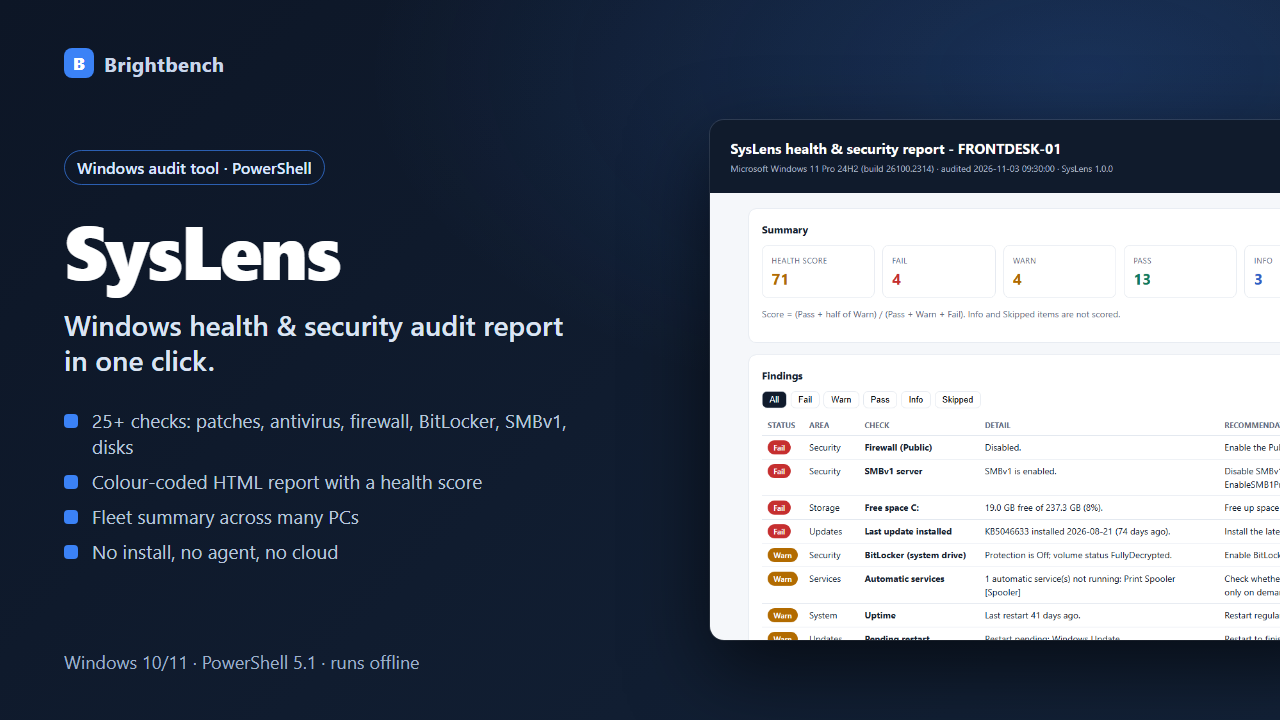
What you can do with it
25+ checks
Updates, pending restart, antivirus (Defender or third-party), firewall, UAC, SMBv1, RDP/NLA, auto-logon, Guest account, local admins, BitLocker, Secure Boot, TPM, disk space, services, event log, certificates.
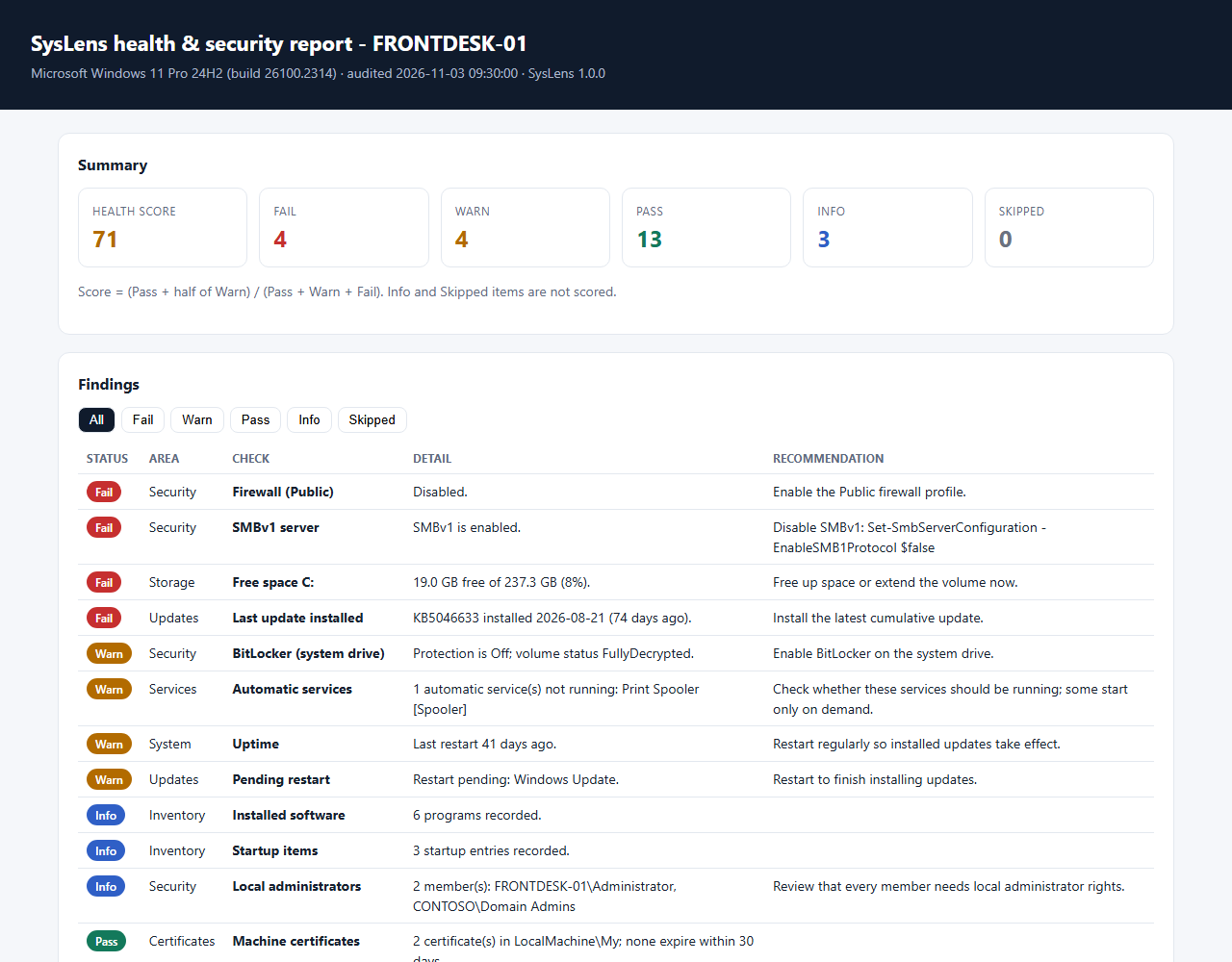
Clear HTML report
Health score, Fail/Warn/Pass filters and a recommendation for every problem. Print or save as PDF.
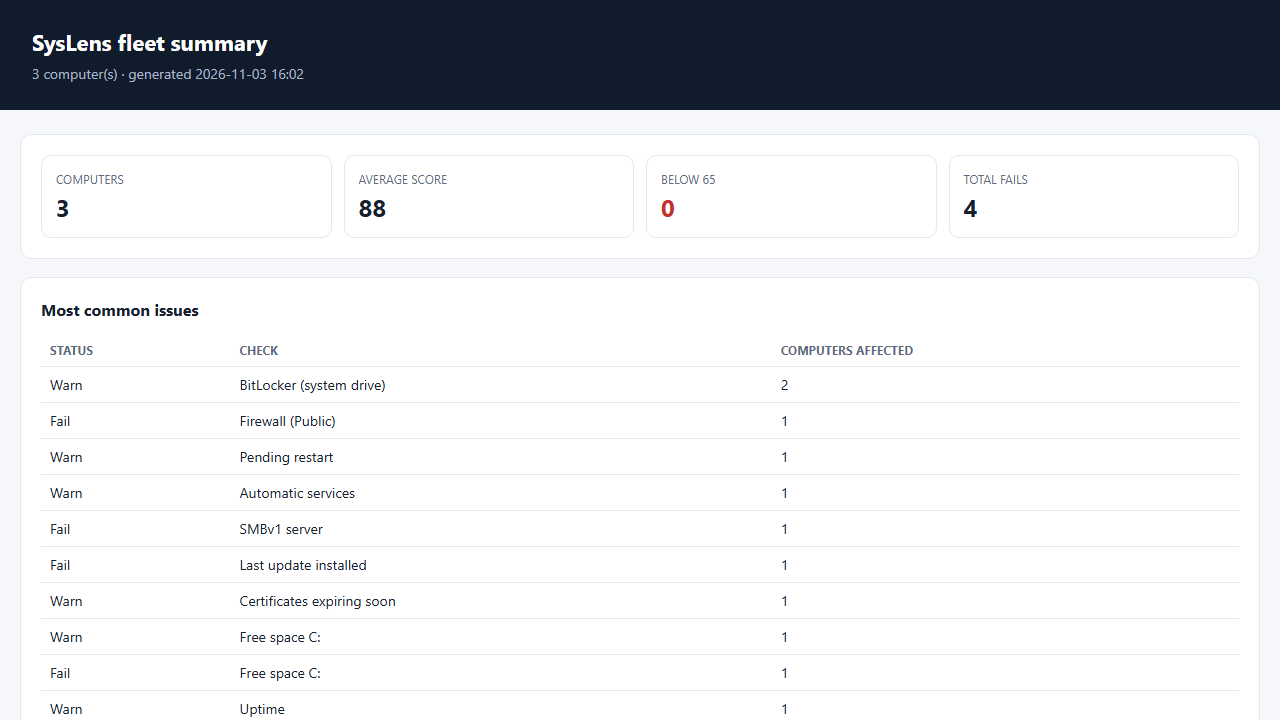
Fleet summary
Run on many PCs, then merge all results into one page that ranks computers and lists the most common problems.
No install, no cloud
Plain PowerShell 5.1 scripts. No agent, no account, no network connections.
JSON + CSV output
Archive results, compare over time or analyse in Excel.
Configurable
Change thresholds for disk space, patch age, certificate expiry and more in one JSON file.
See it before you buy
What's in the download
| Run-SysLens.cmd | Double-click launcher |
| SysLens.ps1 | The PowerShell tool itself (plain text, readable before you run it) |
| Merge-SysLensReports.ps1 | Combines reports from several PCs into one fleet report |
| samples/ | 8 sample reports and data files so you can see the output first |
| syslens.config.json | Settings file |
| README.md | Setup and how-to guide |
| CHANGELOG.md | Version history |
| LICENSE.txt | Licence terms |
Version 1.0.0. One ZIP file, no installer, nothing sent anywhere.
Why buy it instead of building it
Tested before release, readable by you
The tool is plain-text PowerShell, so you or your security team can read every line before running it.
Comes with a README and sample output
You can see what the reports look like before you run it on your own machines.
A person answers support email
Write to [email protected] and get a reply within 2 business days. If it doesn't work as described, you get a refund within 30 days.
What you need
- Windows 10 or Windows 11
- Windows PowerShell 5.1 (built in)
- Administrator rights for BitLocker, Secure Boot and TPM checks
- Tested on Windows 11 23H2; Windows Server and PowerShell 7 not tested
What it doesn't do
- Reports only — it does not change settings or fix problems.
- Patch date comes from Windows update history; some third-party patch tools don't record there.
- Antivirus products that don't register with Windows Security Center are not detected.
- Scripts are not code-signed; the README shows how to unblock them.
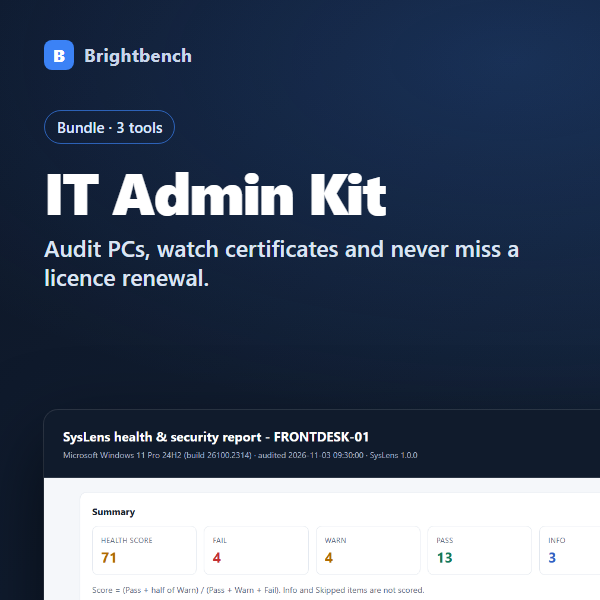
SysLens is part of the IT Admin Toolkit
Get 3 products for $14.70$21 instead of $30:SysLens, CertWatch, RenewalBook.
Buy the bundle for $14.70$21How buying works
- Pay onceCheckout by Polar or Gumroad. Card details never touch this site.
- Download straight awayThe download link appears after payment and arrives by email with your receipt.
- Open and use itFollow the README to set it up.
Questions
Does it send any data anywhere?
No. SysLens reads local information and writes files only to the folder you choose. It makes no network connections.
Can I use it for my IT clients?
Yes. The license covers any computers you own or manage, including clients' computers. You may not resell or redistribute the scripts.
Will it change my system?
No. Every check is read-only.
What if it doesn't work for me?
Email [email protected] within 30 days of purchase. We'll try to fix the problem first; if we can't, you get a full refund through the store you bought from.
You might also need
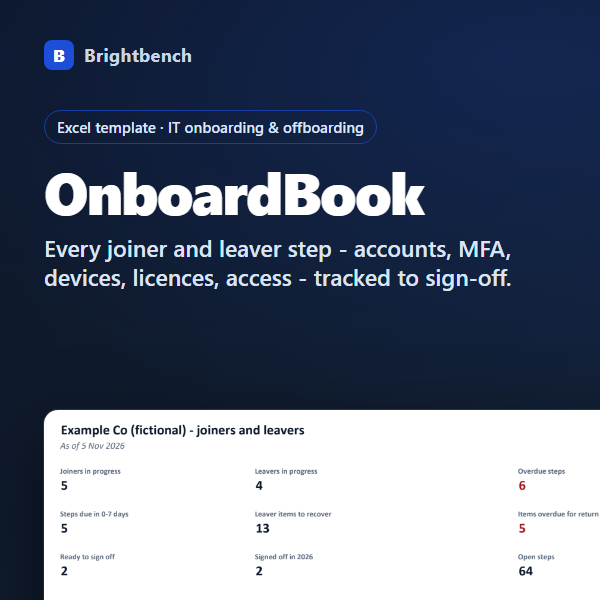
OnboardBook
Every joiner and leaver step - accounts, MFA, devices, licences, access - tracked to sign-off.